
How to Share HD Movie Clips Without Losing Quality
Sharing memorable movie scenes, TV show moments, or funny clips with friends has become part of everyday entertainment. However, many people notice that the video they send looks much worse than the original. Colors appear dull, details become blurry, and the overall viewing experience suffers because most messaging platforms automatically compress media files.
The good news is that there are several simple ways to keep your videos looking sharp. Whether you’re sending a short clip to a friend or sharing a trailer with your family, these tips will help preserve the best possible quality. If you frequently share videos, choosing a messaging app that offers enhanced media-sharing features, such as fm whatsapp, may provide greater flexibility.
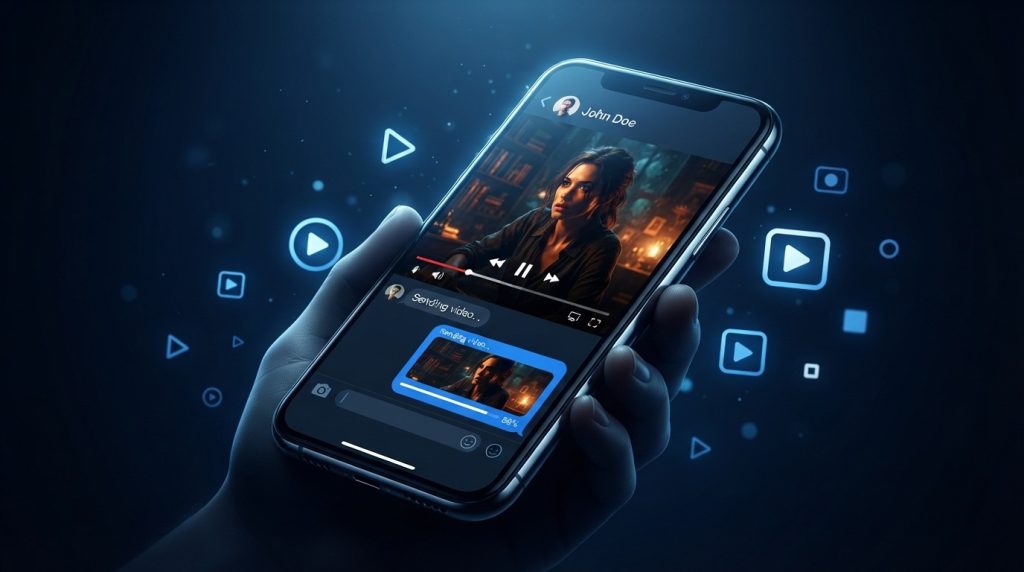
Why Video Quality Drops When Sharing
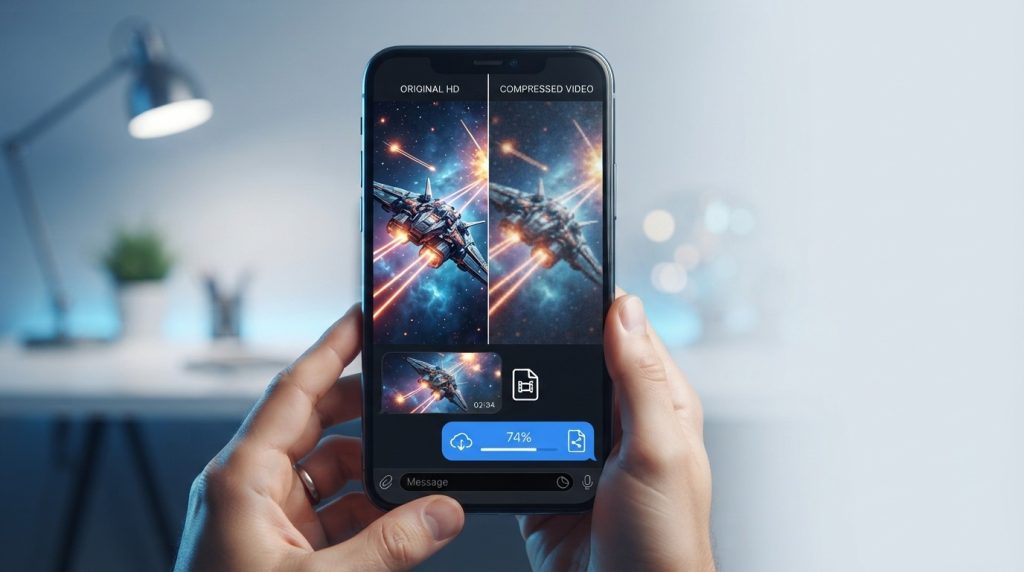
Most messaging apps reduce the size of photos and videos before sending them. This compression speeds up uploads, saves storage space, and reduces mobile data usage. Unfortunately, it also lowers the video’s resolution and bitrate, making HD footage appear less detailed.
The larger and higher-quality the original file is, the more noticeable the quality loss can become after compression.
Send Videos as Documents Instead of Media
Many messaging platforms allow users to send files as documents rather than regular videos. When you choose this option, the app often skips automatic compression, allowing the recipient to receive the original file with its full resolution.
This method works especially well for movie clips, trailers, and edited videos where image quality matters.
Use Cloud Storage for Large HD Files
If your video is too large to send directly, uploading it to a trusted cloud storage service is an excellent alternative. Instead of compressing the file, you simply share a download link.
This approach preserves the original quality while avoiding file size limitations imposed by many messaging apps.
Compress Videos the Right Way
Sometimes a video needs to be smaller before sharing. Instead of relying on automatic compression, use a quality video compression tool that lets you control the settings.
Saving your video as an MP4 using the H.264 codec usually provides an excellent balance between visual quality and file size. This helps reduce storage requirements without creating noticeable quality loss.
Keep the Original Resolution
Avoid recording your screen or repeatedly exporting the same video. Every extra conversion can reduce clarity and introduce compression artifacts.
Whenever possible, share the original exported file directly from your device to ensure the best viewing experience.
Use a Stable Internet Connection
Uploading large HD videos over an unstable mobile network can lead to failed uploads or interrupted transfers. Using a reliable Wi-Fi connection makes sharing faster and reduces the chances of incomplete uploads.
A strong connection is especially helpful when sending videos that are several hundred megabytes in size.
Choose the Right Messaging App
Different messaging apps handle media in different ways. Some heavily compress videos, while others offer options that provide more flexibility for sharing large files.
If preserving media quality is important to you, look for messaging platforms that support document sharing, larger file limits, and additional controls for media transfers. Choosing the right app can make a noticeable difference when sharing HD content.
Why Choose FMWhapp.net for Messaging Resources?
If you’re interested in learning more about advanced messaging features, FMWhApp.net is a useful resource. The website provides detailed guides covering fm whatsapp apk latest version features, installation steps, updates, backup instructions, and troubleshooting tips for new and experienced users.
Many users choose FMWhatsApp because it offers additional customization options, enhanced privacy controls, larger media-sharing capabilities, and more flexibility than the standard messaging experience. FMWhatsApp.net explains these features through easy-to-follow articles, helping users understand how the app works and how to use it effectively.
Whether you’re looking for the latest version, update information, or practical tutorials, FMWhatsApp.net offers comprehensive resources to improve your messaging experience.
Best Practices for Sharing HD Movie Clips
To get the best possible results every time you share a video, keep these simple practices in mind:
- Share the original video whenever possible.
- Send videos as documents if the option is available.
- Use cloud storage for large files.
- Compress videos manually using high-quality settings.
- Connect to a stable Wi-Fi network before uploading.
- Avoid repeatedly editing or re-exporting the same clip.
Following these steps helps maintain both video clarity and audio quality.
Respect Copyright When Sharing Content
Before sharing movie clips online, remember that films and TV shows are generally protected by copyright laws. Short clips shared for commentary, reviews, or educational purposes may fall under fair use or similar legal principles in some jurisdictions, but the rules vary by country.
Always ensure you have permission to share content where required and respect the rights of creators and copyright holders.
Conclusion
Sharing HD movie clips doesn’t have to mean sacrificing quality. By using document sharing, cloud storage, proper video compression, and reliable messaging tools, you can preserve the original viewing experience and ensure your friends receive videos that look as good as the source.
Whether you’re sending an action scene, a comedy moment, or your favorite trailer, following these best practices helps every clip retain its sharp visuals and clear audio. And if you’re looking to explore advanced messaging features and media-sharing options, FMWhatsApp.net provides helpful guides and resources to get you started.
Visit our website for more.